
Free Preview
ChemLab Pro: Advanced Qualitative Analysis
ChemLab Pro is an advanced, instrument-driven simulation designed for high-level qualitative analysis, integrating both Organic and Inorganic chemistry into a single professional workst...
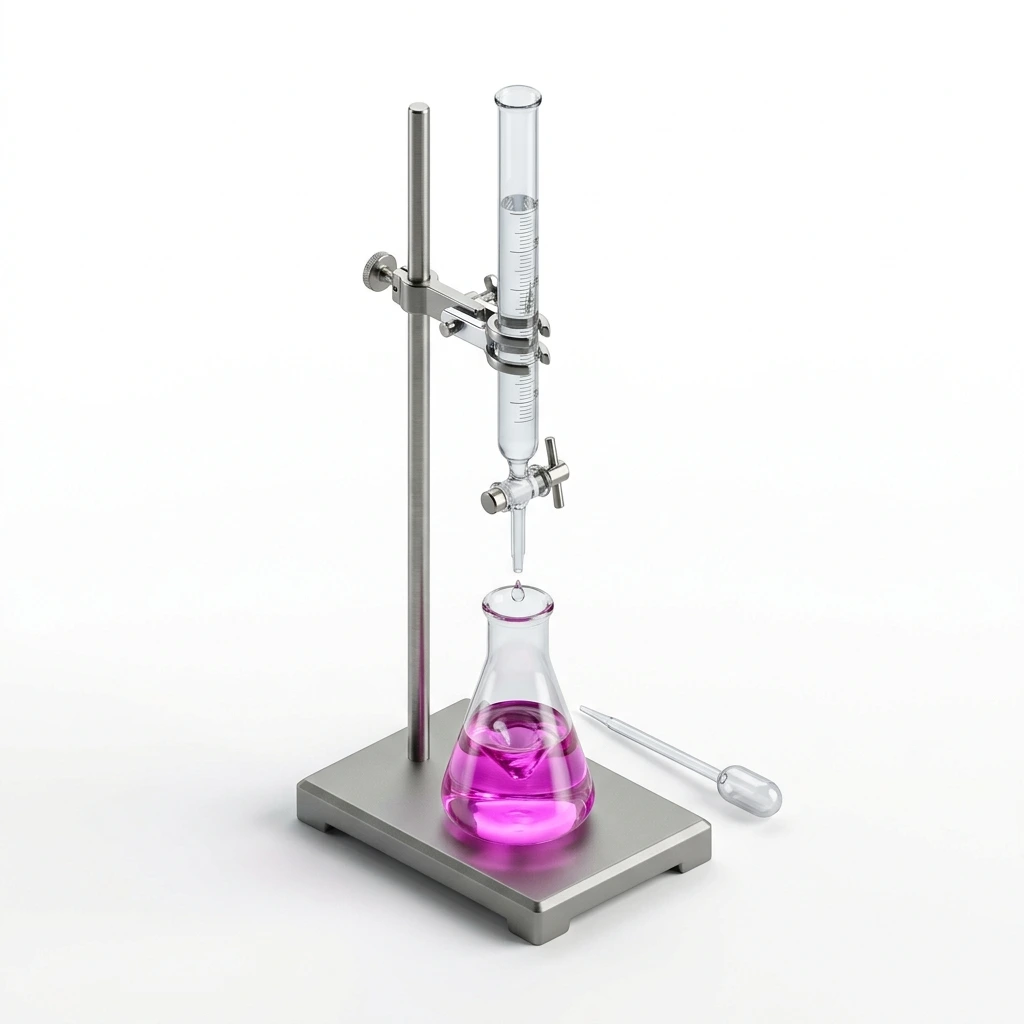
ChemLab Pro is an advanced, instrument-driven simulation designed for high-level qualitative analysis, integrating both Organic and Inorganic chemistry into a single professional workstation. Students must manage a rack of four test tubes, manually equipping specialized tools such as micro-pipettes, Bunsen burners, and litmus strips to interact with samples. The lab features a dual-mode interface that allows for identifying unknown organic functional groups and detecting inorganic salts through characteristic precipitation and redox reactions.
The objectives of this lab are:
- To develop professional laboratory techniques using instrument-based interactions.
- To perform systematic qualitative analysis on unknown organic liquids and inorganic salt solutions.
- To recognize specific chemical indicators, such as the Silver Mirror (Aldehydes) or Bright Yellow Precipitates (Lead ions).
- To interpret real-time balanced chemical equations generated during experimental reactions.
- To practice multi-tube comparative testing to reach a final analytical conclusion.
Materials required for this experiment include:
- Quad-Tube Rack: Four independent experimental zones ($$T_1 - T_4$$) for parallel testing.
- Instrument Inventory:
- Sample Pipette: For precision distribution of unknown samples.
- Redox Reagents: Tollen’s, Fehling’s, and Silver Nitrate ($$AgNO_3$$).
- Inorganic Specifiers: $$NaOH$$,$$BaCl_2$$, and$$KI$$for cation/anion detection.
- Variable Bunsen Burner: A movable heat source required for oxidative tests and water baths.
- Reaction Logic Monitor: Displays molecular transformations through balanced equations.
The procedure for conducting the experiment is as follows:
- Module Selection: Choose between the Organic or Inorganic tabs to load the appropriate reagent set.
- Sampling: Equip the Sample Pipette and click on the desired test tubes to dispense the 'Unknown' liquid.
- Sequential Testing (Example: Inorganic):
- Equip Potassium Iodide ($$KI$$) and add to$$T_1$$. Observe if a bright yellow precipitate forms ($$PbI_2$$), indicating the presence of Lead ions.
- Equip Barium Chloride ($$BaCl_2$$) and add to$$T_2$$. A thick white precipitate ($$BaSO_4$$) confirms the presence of sulfates.
- Equip Potassium Iodide (
- Sequential Testing (Example: Organic):
- Add 2,4-DNPH to $$T_3$$to screen for carbonyl groups (Aldehydes/Ketones).
- Use the Bunsen Burner on $$T_4$$after adding Tollen's reagent to confirm the aldehyde functional group.
- Add 2,4-DNPH to
- Final Submission: Cross-reference all entries in the Lab Notebook. Select the suspected compound from the 'Final Conclusion' dropdown and click 'Submit Analysis' to verify accuracy.
No figures available for this experiment.
Initializing secure sandbox environment & decrypting simulation...