
Free Preview
Understanding Data Packet Movement in Network Models
Communication between computers relies on standardized models that break the complex process into manageable layers. This interactive simulator visualizes the life of a data packet as i...
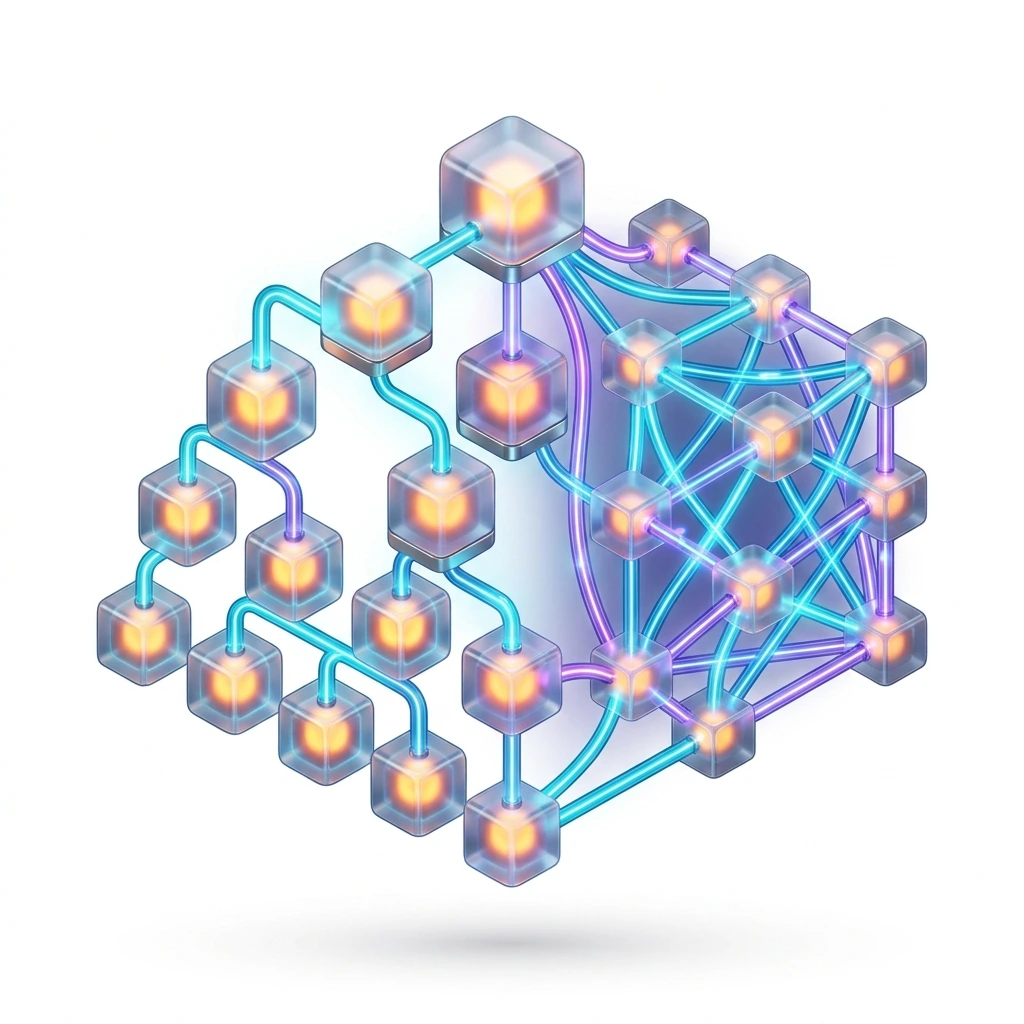
Communication between computers relies on standardized models that break the complex process into manageable layers. This interactive simulator visualizes the life of a data packet as it moves from a sender's application, down through the network stack, across a physical medium, and back up to the receiver. Students can toggle between the OSI Model and the TCP/IP Model to observe how different layers add control information (encapsulation) and verify it at the destination (de-encapsulation).
- To distinguish between the OSI 7-layer model and the TCP/IP 4-layer suite.
- To visualize the processes of Encapsulation (adding headers) and De-encapsulation (stripping headers).
- To identify the specific Protocol Data Units (PDUs) at each stage: Data, Segments, Packets, Frames, and Bits.
- To understand how logical addresses (IP) and physical addresses (MAC) are nested within a single transmission.
- Dual-Model Interface: Interactive stacks for both OSI and TCP/IP architectures.
- Packet Inspector: A real-time breakdown of headers including TCP ports, IP addresses, and Ethernet CRC trailers.
- Encapsulation Engine: Step-by-step animation of data moving through the network stack.
- Binary Stream Visualizer: A specialized view of the 'Physical Layer' showing raw bit transmission.
- Preparation: Select the OSI Model. Enter a message (e.g., 'Hello Server!') and choose a protocol like HTTP.
- The Sender Journey: Click Start or use Next Step to move the packet down the sender's stack.
- Observe how the Transport Layer adds port numbers (e.g., $$ DstP: 80 $$).
- Observe the Network Layer as it adds IP addresses.
- Physical Transit: Watch the packet reach the bottom. Note the transition from structured headers to a Binary Stream at the Physical Layer.
- The Receiver Journey: Watch the packet move up the receiver's stack.
- Notice that the 'Packet Inspector' at the bottom strips away one header at each layer.
- If the MAC address or IP address doesn't match the destination, the process would fail (simulated here as a successful delivery).
- Comparison: Reset the lab and switch to the TCP/IP Model. Observe how the Application, Presentation, and Session layers from OSI are collapsed into a single Application Layer in the TCP/IP stack.
Initializing secure sandbox environment & decrypting simulation...