
Free Preview
Vernier Caliper Measurement Lab
The Vernier Caliper is a high-precision linear measuring instrument used to measure internal and external distances with extreme accuracy. This virtual simulator provides a hands-on exp...
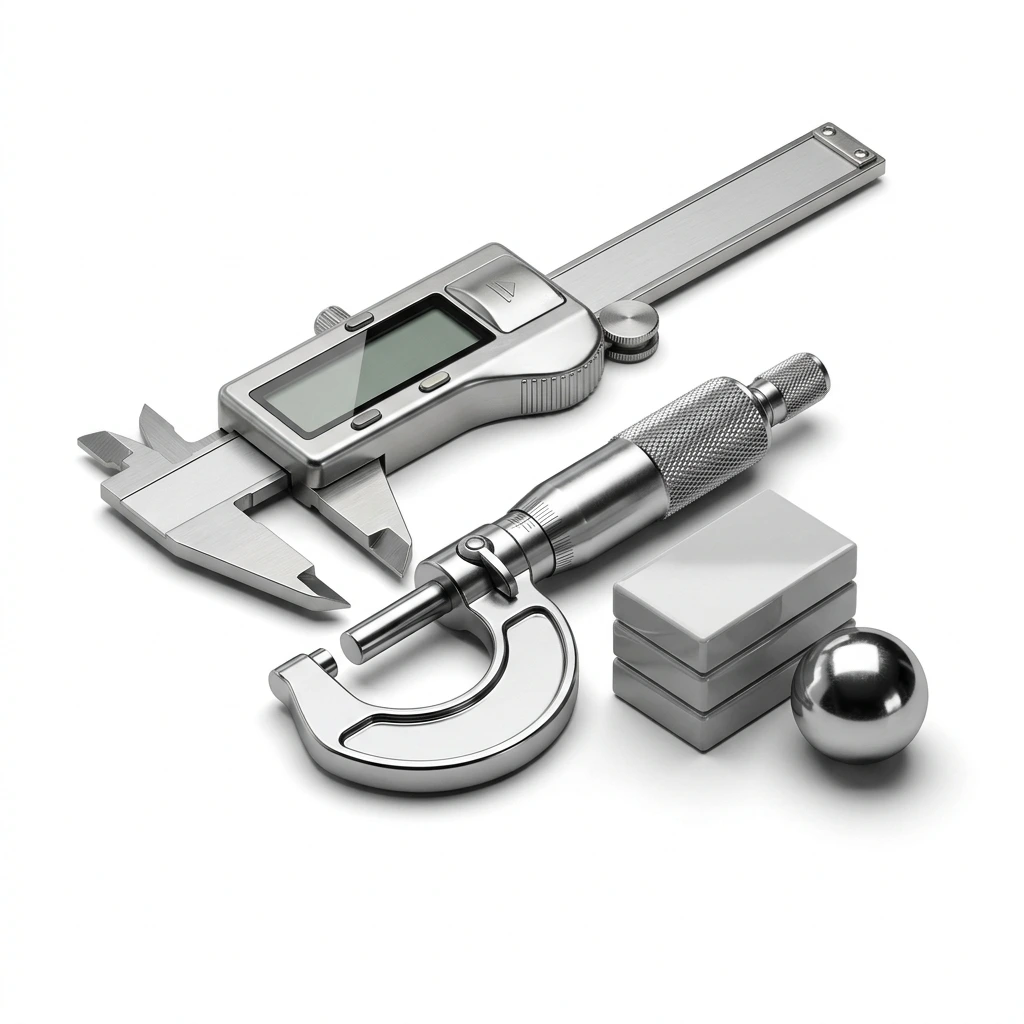
The Vernier Caliper is a high-precision linear measuring instrument used to measure internal and external distances with extreme accuracy. This virtual simulator provides a hands-on experience in using the tool to measure length, diameter, and depth. It features a realistic physics-based sliding mechanism, a 3x precision magnifier for scale alignment, and a 'Zero Error' calibration system to simulate real-world mechanical imperfections.
To determine the least count (resolution) of the virtual Vernier Caliper.
To identify and account for positive or negative Zero Error in the measuring instrument.
To measure the external diameter of a solid block, the internal diameter of a hollow cylinder, and the depth of a cavity.
To master the formula:
- Virtual Vernier Caliper: 150mm range with 0.1mm least count.
- Test Objects: Cylindrical blocks, hollow rings, and amber-colored depth blocks.
- Precision Magnifier: Integrated SVG zoom view for accurate tick alignment.
- Lock Screw: Functional locking mechanism to hold measurements for reading.
- Calibration: Close the jaws completely without an object. Check the Precision Magnifier to see if the zero of the Vernier scale aligns with the zero of the Main scale. Use the 'Zero Error' slider to simulate and note any error.
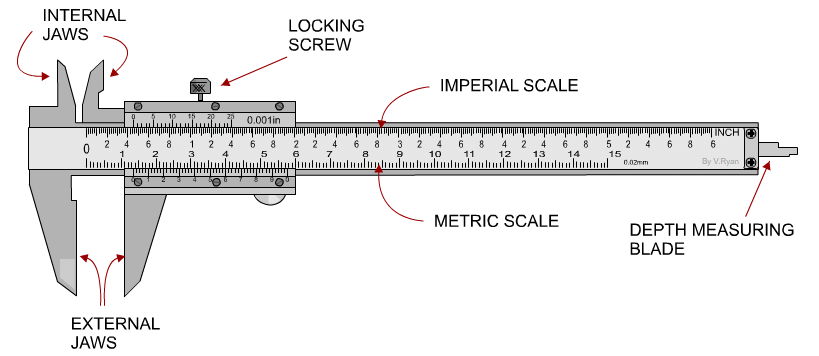
- Mode Selection: Choose the appropriate jaws based on your goal:
- Outside Jaws: For thickness or outer diameter.
- Inside Jaws: For internal widths or hole diameters.
- Depth Rod: For measuring the depth of a hole.
- Positioning: Click 'Place Object' to spawn a randomized test piece.
- Measurement: Slide the movable jaw until the object is securely clamped (or expanded into).
- Locking: Click the Lock Toggle to ensure the reading does not shift while you are recording data.
- Reading the Scales:
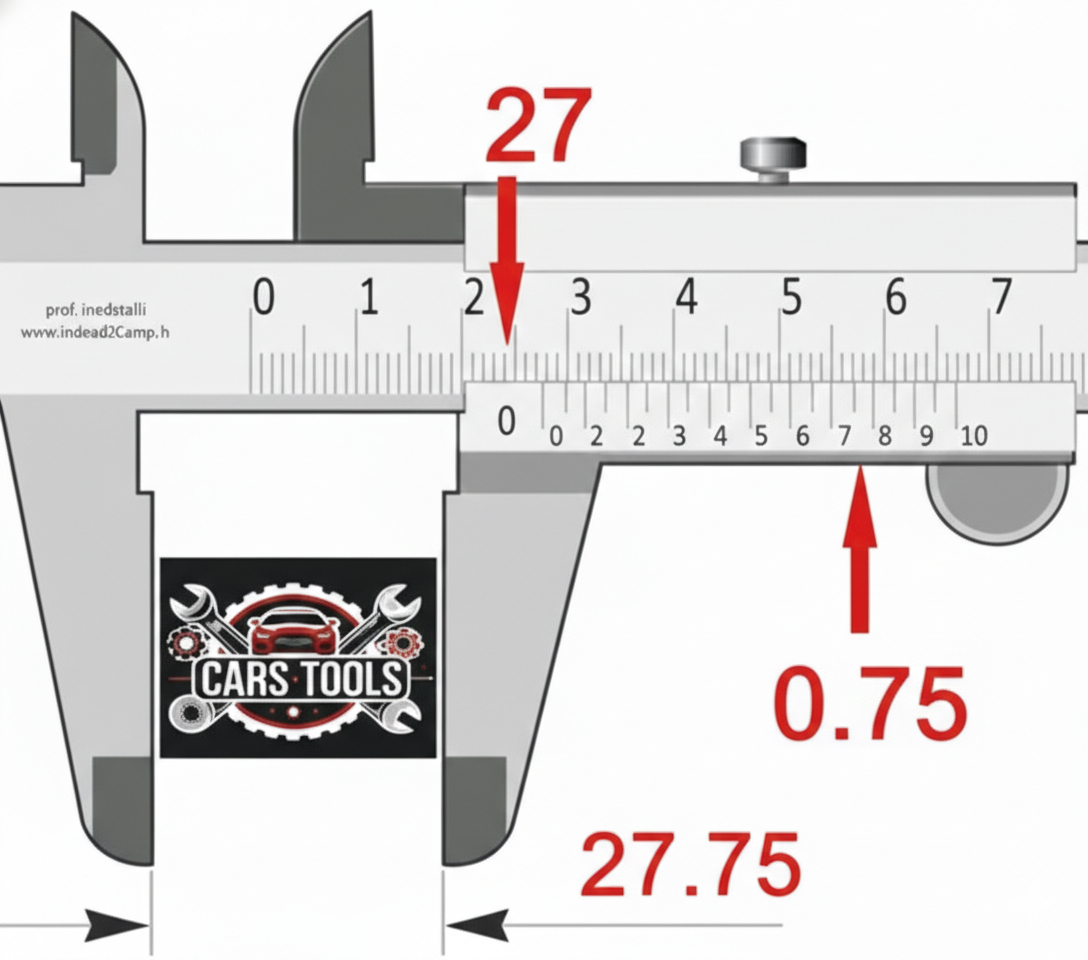
- MSR: Note the last mark on the main scale passed by the Vernier zero.
- VSR: Find the exact line on the Vernier scale that aligns perfectly with any line on the main scale.
- Final Calculation: Apply the least count and zero correction in the Exam Practice mode to verify your results.
Initializing secure sandbox environment & decrypting simulation...